Use when the user needs guidance on pcf-model-driven-apps. GitHub Copilot instruction from the awesome-copilot collection.
Scanned 9/8/2026
Install to Claude Code
npx -y skills add anubhavg-icpl/vibe --skill ghcopilot-instr-pcf-model-driven-apps --agent claude-codeInstalls into .claude/skills of the current project.
Are you the author of Ghcopilot Instr Pcf Model Driven Apps?
Add the live security badge to your README — it updates automatically with every re-scan.
[](https://www.skillsdirectory.com/skills/anubhavg-icpl-ghcopilot-instr-pcf-model-driven-apps)More formats (shields.io, HTML) on the badges page.
---
name: ghcopilot-instr-pcf-model-driven-apps
description: "Use when the user needs guidance on pcf-model-driven-apps. GitHub Copilot instruction from the awesome-copilot collection."
license: CC-BY-NC-SA-4.0
metadata:
version: "1.0.0"
tags: [copilot-instruction, community, pcf-model-driven-apps]
applyTo: "**/*.{ts,tsx,js,json,xml,pcfproj,csproj}"
source: "awesome-copilot"
---
# Code Components for Model-Driven Apps
Power Apps component framework gives developers the ability to extend the visualizations in model-driven apps. Professional developers can create, debug, import, and add code components to model-driven apps using [Microsoft Power Platform CLI](https://learn.microsoft.com/en-us/power-apps/developer/component-framework/get-powerapps-cli).
## Component Usage
You can add code components to:
- Columns
- Grids
- Sub grids
in model-driven apps.
> **Important**: Power Apps component framework is enabled for model-driven apps by default. See [Code components for canvas apps](https://learn.microsoft.com/en-us/power-apps/developer/component-framework/component-framework-for-canvas-apps) to learn how to enable Power Apps component framework for canvas apps.
## Implementing Code Components
Before you start creating code components, make sure that you have installed all the [prerequisites](https://learn.microsoft.com/en-us/power-apps/developer/component-framework/create-custom-controls-using-pcf#prerequisites) that are required to develop components using Power Apps component framework.
The [create your first code component](https://learn.microsoft.com/en-us/power-apps/developer/component-framework/implementing-controls-using-typescript) article demonstrates the step-by-step process to create code components.
## Add Code Components to Model-Driven Apps
To add code components to a column or a table in model-driven apps, see [Add code components to model-driven apps](https://learn.microsoft.com/en-us/power-apps/developer/component-framework/add-custom-controls-to-a-field-or-entity).
### Examples
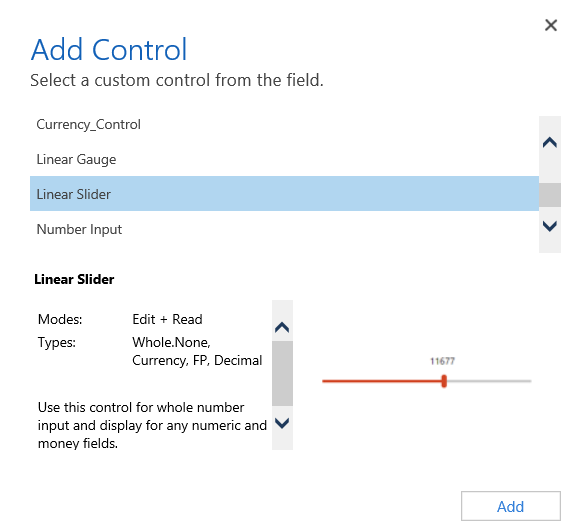
**Linear Slider Control:**
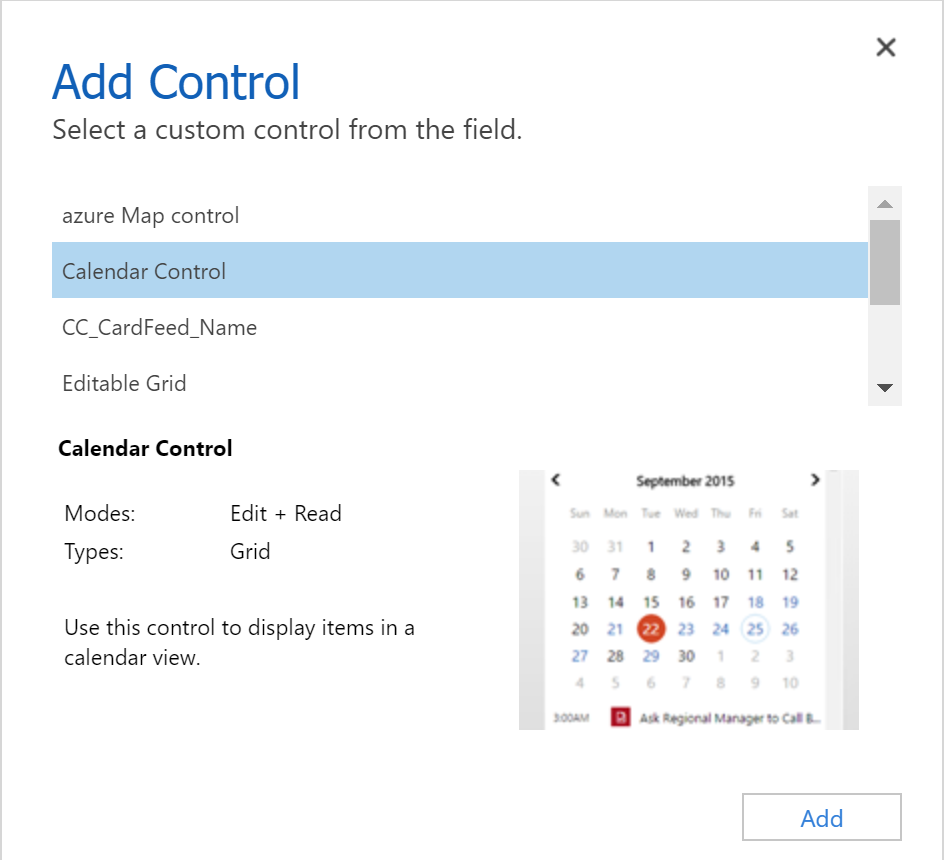
**Data Set Grid Component:**
## Update Existing Code Components
Whenever you update the code components and want to see the changes in runtime, you need to bump the version property in the manifest file.
**Best Practice**: It is recommended to always bump the version of the component whenever you make changes.
## See Also
- [Power Apps component framework overview](https://learn.microsoft.com/en-us/power-apps/developer/component-framework/overview)
- [Create your first code component](https://learn.microsoft.com/en-us/power-apps/developer/component-framework/implementing-controls-using-typescript)
- [Learn Power Apps component framework](https://learn.microsoft.com/en-us/training/paths/use-power-apps-component-framework)
Is this your skill, or is something wrong with this listing? Request removal or report an issue. Author removals are honored within 72 hours.
No comments yet. Be the first to comment!
 Skills Directory