Use when running the OpenClaw/ClawHub Bring! skill to search recipes on the web, parse recipe URLs for ingredients, and add ingredients to a Bring shopping list. Covers recipe search via web_search, URL parsing, recipe batch-add, list management, and inspiration filters.
Scanned 9/19/2026
Install to Claude Code
npx -y skills add rondoflow/rondoflow --skill search-parse-recipes-shopping-list --agent claude-codeInstalls into .claude/skills of the current project.
Are you the author of Search Parse Recipes Shopping List?
Add the live security badge to your README — it updates automatically with every re-scan.
[](https://www.skillsdirectory.com/skills/rondoflow-search-parse-recipes-shopping-list)More formats (shields.io, HTML) on the badges page.
---
name: search-parse-recipes-shopping-list
description: "Use when running the OpenClaw/ClawHub Bring! skill to search recipes on the web, parse recipe URLs for ingredients, and add ingredients to a Bring shopping list. Covers recipe search via web_search, URL parsing, recipe batch-add, list management, and inspiration filters."
category: "Community"
author: community
version: "1.3.0"
icon: puzzle
---
# Bring App
## When to Use
- User fragt nach Rezeptvorschlägen oder saisonalen Gerichten ("Was essen wir heute?", "Rezeptideen", "saisonale Inspirationen")
- User möchte Einkaufslisten anzeigen oder aktualisieren ("Was steht auf der Einkaufsliste?", "Füge ... hinzu")
- User will Zutaten für ein Rezept hinzufügen
- User fragt nach Bring-Liste-Status oder Rezept-Markern
- Jegliche Anfragen rund um Einkaufsplanung und Rezeptauswahl
## Overview
Build a Bring! CLI-focused skill that uses the updated `node-bring-api` to fetch inspirations (recipes), highlight seasonal dishes, and add user-selected ingredients to a shopping list.
**WICHTIG: Immer explizit nach Bestätigung fragen, bevor Artikel zur Liste hinzugefügt werden!**
## Quick start workflow
1. List inspiration filters and identify seasonal tags.
2. Fetch inspirations using those tags.
3. Summarize 3-7 seasonal dishes.
4. **IMMER FRAGEN**: "Soll ich die Zutaten für [Rezeptname] zur Bring-Liste hinzufügen?"
5. Nur bei expliziter Bestätigung: Add their ingredients (not the dish name).
Use `references/bring-inspirations.md` for endpoint details and headers.
These scripts load `node-bring-api` from:
1. `BRING_NODE_API_PATH` (if set), or
2. `../../node-bring-api/build/bring.js` relative to this skill, or
3. the installed `bring-shopping` package.
## Tasks
### 1) Discover available filters (season, diet, cuisine)
Run:
```
node scripts/bring_inspirations.js --filters
```
- Read the JSON and pick tags that look seasonal (e.g., winter/sommer/fruehling/herbst).
- If unsure, ask the user to pick from the filter list.
### 2) Fetch inspirations
Run:
```
node scripts/bring_inspirations.js --tags "<comma-separated-tags>" --limit 20
```
- If the user did not specify tags, default to `mine`.
- Inspect the JSON and extract a short list of suggested dishes with any available metadata.
- Capture `content.contentSrcUrl` for each dish (needed to load ingredients).
### 3) Suggest seasonal dishes
- Return 3-7 options.
- Include dish name and 1 short sentence (if available in the JSON).
- **WICHTIG**: Frage explizit: "Welche Rezepte sollen zur Bring-Liste hinzugefügt werden?" oder "Soll ich die Zutaten hinzufügen?"
- Warte auf explizite Bestätigung des Users.
### 4) Add selected dishes to a list (ingredients only)
**NUR NACH EXPLIZITER BESTÄTIGUNG**, list available lists if needed:
```
node scripts/bring_list.js --lists
```
Add ingredients from the selected dish content URL(s):
```
node scripts/bring_list.js --list <list-uuid> --content-url "https://api.getbring.com/rest/v2/bringtemplates/content/<uuid>"
```
Or resolve by list name:
```
node scripts/bring_list.js --list-name "Einkauf" --content-url "https://api.getbring.com/rest/v2/bringtemplates/content/<uuid>"
```
## List Management (v2.2.0)
Create a new shopping list:
```
node scripts/bring_list.js --create-list "Amazon"
```
Returns the new list's UUID and name. If a list with that name already exists, returns the existing list info without creating a duplicate.
Note: List deletion is not supported by the Bring API — lists can only be deleted via the Bring app.
## Environment
These scripts default to ENV values:
- `BRING_EMAIL`
- `BRING_PASSWORD`
- `BRING_COUNTRY` (default `DE`)
- `BRING_NODE_API_PATH` (optional path to `build/bring.js`)
If ENV is not set, pass `--email` and `--password` explicitly.
## Recipe Markers (v2.1.0)
Add items tagged with a recipe name so you can track which ingredients belong to which recipe:
```
node scripts/bring_list.js --list-name "Einkauf" --add-recipe "Lasagne" --recipe-items "Nudeln,Hackfleisch,Tomaten"
```
This stores each item with the specification `[Rezept] Lasagne`, acting as a recipe marker.
List distinct recipe markers on a list:
```
node scripts/bring_list.js --list-name "Einkauf" --recipe-markers
```
Returns a sorted array of recipe names currently on the list.
## Recipe Search & URL Parsing (v2.2.0)
### Workflow: Rezeptvorschläge machen
When a user asks for recipe suggestions ("Was soll ich heute kochen?", "Rezeptideen für Sommer"):
**Step 1: Search for recipes**
Use your `web_search` tool (Brave API) to find recipe URLs:
```
web_search("Sommer Rezepte vegetarisch site:chefkoch.de")
web_search("schnelle Abendessen Rezepte site:chefkoch.de OR site:lecker.de")
```
Pick 3-5 promising recipe URLs from the search results.
**Step 2: Parse recipe URLs for structured data**
```
node scripts/bring_inspirations.js --parse-url "url1,url2,url3"
```
Returns structured JSON per recipe: name, ingredients (itemId + spec), image URL, source URL.
For a single URL, returns a single object. For multiple URLs, returns an array.
**Step 3: Present options to the user**
Show the user the parsed recipes with:
- Recipe name
- Number of ingredients
- Source URL
- Key ingredients (first 5-6)
**IMMER FRAGEN**: "Möchtest du die Zutaten für [Rezeptname] zur Bring-Liste hinzufügen?" oder "Welche Rezepte soll ich zur Einkaufsliste hinzufügen?"
**Step 4: Add selected recipe to list (NUR BEI BESTÄTIGUNG)**
```
node scripts/bring_list.js --list-name "Einkauf" --add-recipe-url "https://www.chefkoch.de/rezepte/123/lasagne.html"
```
This parses the recipe, creates a marker (e.g., `=== LASAGNE ===`), tags all ingredients with the recipe name, and batch-adds everything to the list.
### Parse recipe URL (standalone)
```
node scripts/bring_inspirations.js --parse-url "https://www.chefkoch.de/rezepte/123/lasagne.html"
```
Returns structured ingredient data without adding to any list. Useful for previewing.
### Supported recipe sites
The Bring parser supports most major recipe websites including:
- chefkoch.de
- lecker.de
- eatsmarter.de
- kitchenstories.com
- And many more (any site with structured recipe data / JSON-LD)
## Recipe Images
**CRITICAL: Never generate images for recipes.** Recipe websites always include photos. Extract and use those instead.
### Extract recipe image from URL
**Method 1: Use --parse-url (preferred)**
If the parser supports the site, the image URL is included in the JSON response:
```bash
node scripts/bring_inspirations.js --parse-url "https://www.chefkoch.de/rezepte/123/lasagne.html"
# Returns: { ..., "image": "https://img.chefkoch-cdn.de/rezepte/123/lasagne.jpg", ... }
```
**Method 2: Fallback (manual extraction with web_fetch)**
If `--parse-url` fails or returns no image, use `web_fetch` to extract the Open Graph image tag:
```javascript
// Use web_fetch tool to get HTML (no exec approval needed)
web_fetch("https://www.chefkoch.de/rezepte/123/lasagne.html")
// Parse the returned markdown/text for og:image meta tag
// Extract URL from: <meta property="og:image" content="https://...">
```
The image URL can then be used directly in markdown or Discord embeds — **no download required**:
```markdown

```
### Workflow for recipe suggestions with images
1. Search for recipe URLs (`web_search`)
2. Parse recipe URL (`--parse-url` or `web_fetch` fallback)
3. **Extract the recipe image URL** (no download needed)
4. Present recipe with:
- Name
- Image (embed via URL: ``)
- Key ingredients
- Source URL
5. **IMMER FRAGEN**: "Soll ich die Zutaten für dieses Rezept zur Bring-Liste hinzufügen?"
6. **NUR BEI EXPLIZITER BESTÄTIGUNG**: Add to shopping list
### Example: Complete recipe workflow
```bash
# Step 1: Search
web_search("Lachs Honig Senf Rezept")
# Step 2: Parse via --parse-url (preferred)
node scripts/bring_inspirations.js --parse-url "https://www.eatclub.de/rezept/honig-senf-lachs/"
# → { ..., "image": "https://www.eatclub.de/wp-content/uploads/2023/09/shutterstock-416951386.jpg" }
# Step 2 (Fallback): Use web_fetch if parser fails
web_fetch("https://www.eatclub.de/rezept/honig-senf-lachs/")
# Parse HTML response for: <meta property="og:image" content="...">
# Step 3: Present to user with image URL embedded
# 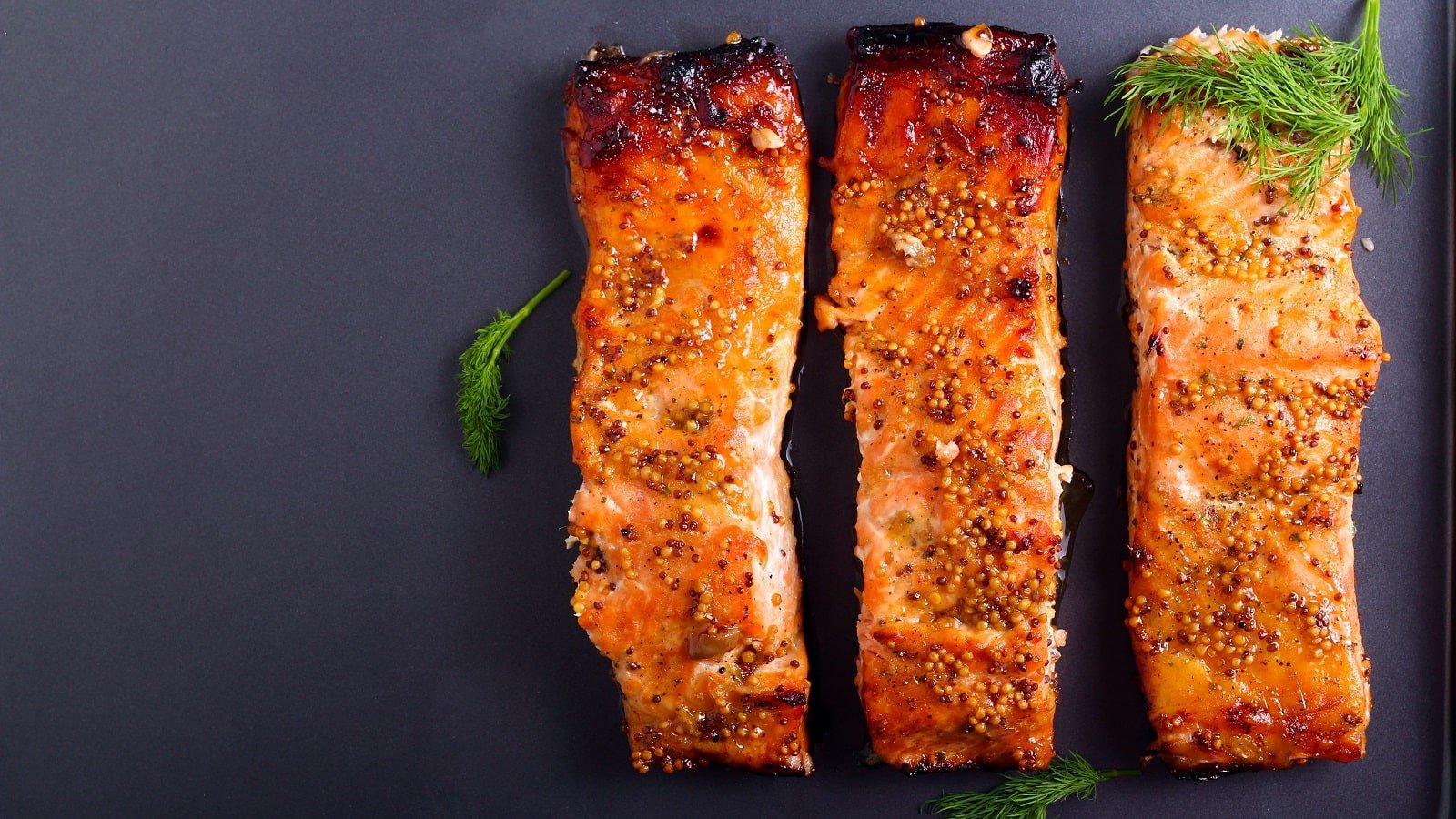
# Zutaten: Lachs, Honig, Senf, Olivenöl, Knoblauch...
# Step 4: IMMER FRAGEN
# "Soll ich die Zutaten für Honig-Senf-Lachs zur Bring-Liste hinzufügen?"
# Warte auf: Ja / Nein / Bestätigung
# Step 5: NUR BEI BESTÄTIGUNG hinzufügen
# node scripts/bring_list.js --list-name "Zuhause" --add-recipe "Honig-Senf-Lachs" --recipe-items "..."
```
### Beispiel-Dialog
**Agent**: "Ich habe 3 leckere Rezepte gefunden:
1. 🍝 Spaghetti Carbonara (5 Zutaten)
2. 🍛 Chicken-Curry (9 Zutaten)
3. 🥗 Griechischer Salat (7 Zutaten)
**Welche Rezepte soll ich zur Bring-Liste hinzufügen?**"
**User**: "Das Curry klingt gut"
**Agent**: "Soll ich die Zutaten für Chicken-Curry zur Bring-Liste 'Zuhause' hinzufügen? (9 Artikel: Hähnchen, Kokosmilch, Curry...)"
**User**: "Ja"
**Agent**: "✅ Zutaten für Chicken-Curry hinzugefügt!"
### Mehrere Rezepte gleichzeitig
Bei mehreren Rezepten IMMER einzeln bestätigen lassen oder explizit fragen:
- "Soll ich ALLE 3 Rezepte hinzufügen?"
- "Welche der Rezepte soll ich hinzufügen? (1, 2, 3 oder alle)"
**Remember:**
- Recipe images come from the source website, never from image generation tools
- Use the image URL directly — no download needed (platforms load images themselves)
- `web_fetch` avoids exec approvals and works seamlessly with OpenClaw
## Notes
- Keep the skill output in German for Germany by default.
- **KRITISCH**: NIEMALS Artikel ohne explizite Bestätigung hinzufügen!
- **IMMER FRAGEN**: "Soll ich die Zutaten zur Bring-Liste hinzufügen?" oder ähnliche Formulierung
- **NUR BEI JA/BESTÄTIGUNG**: Erst dann zur Liste hinzufügen
- Always add ingredients instead of the dish name when using inspirations.
- Bei mehreren Rezepten: Einzeln oder alle zusammen bestätigen lassen
## Resources
### scripts/
- `scripts/bring_inspirations.js`: Log in and call inspirations and filter endpoints.
- `scripts/bring_list.js`: List available shopping lists and add items.
### references/
- `references/bring-inspirations.md`: Endpoint details and headers.
Is this your skill, or is something wrong with this listing? Request removal or report an issue. Author removals are honored within 72 hours.
No comments yet. Be the first to comment!
 Skills Directory